ergonomics
Your screen is 15 cm too low: why laptops hurt your neck and what to do about it
A laptop puts the screen next to the keyboard, so you look down for hours. Here is why that adds up, and the simple fixes that work at a café table, a hotel desk or home.
By Deskless4 min read
On this page
A laptop is a clever compromise. The screen and keyboard come in one piece, so you can work anywhere. The catch is that the screen ends up wherever the keyboard is: down on the table, about level with your elbows.
To see it, you tip your head forward and down. For a few minutes that is nothing. For a working day, most days, at a café table in Lisbon or a hotel desk in Berlin, it adds up. The stiff neck at four in the afternoon is the screen being in the wrong place.

We are a gear shop, not doctors. If something hurts for more than a few days, see a professional. But the basic picture is simple, and so is most of the fix.
Where the screen should be
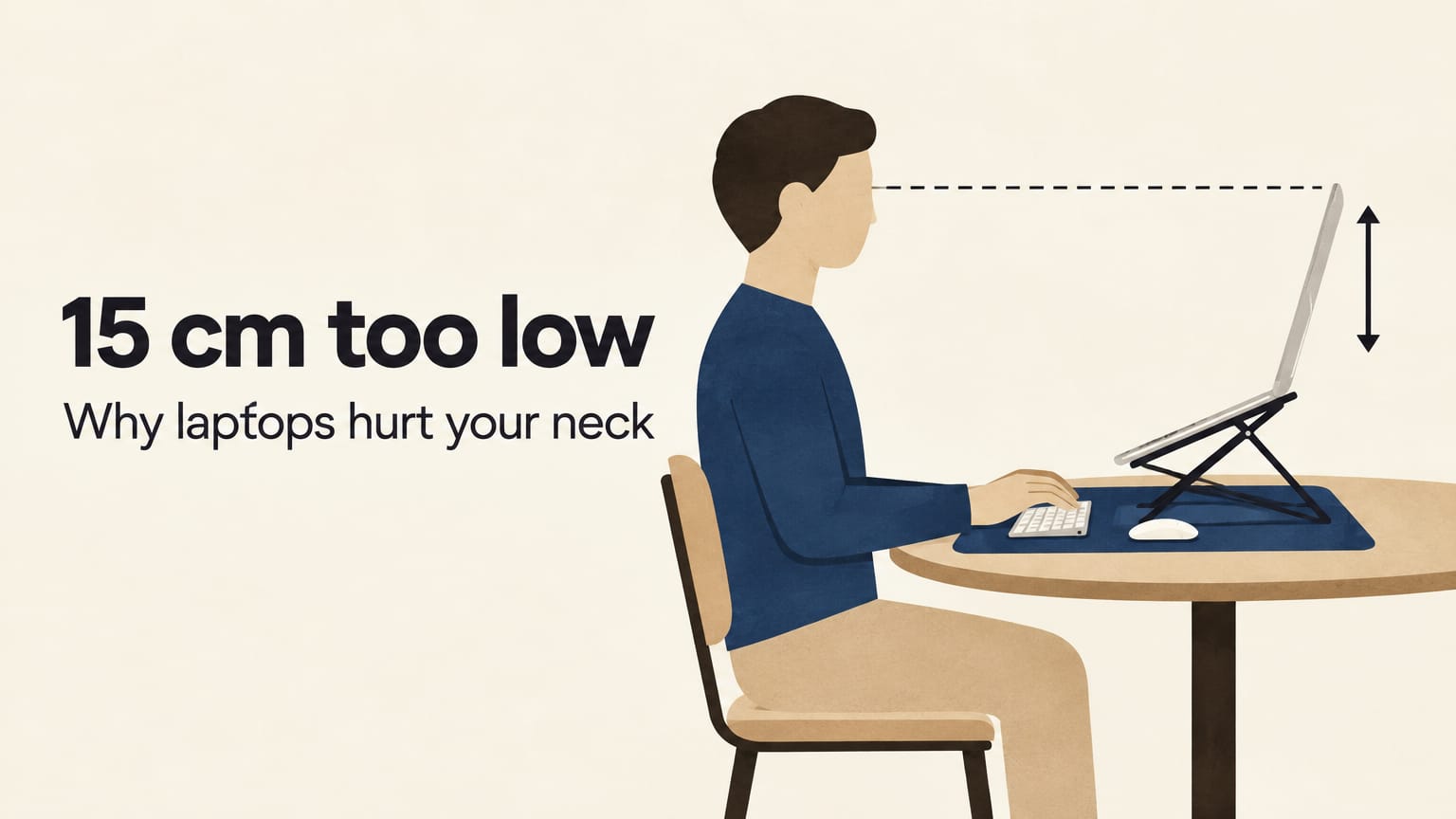
The usual guidance for a desk setup is that the top of the screen sits at or a little below eye level, about an arm's length away. You should be able to read the middle of the screen with your eyes looking slightly down and your head level.
Now look at a laptop on a table. For most people sitting at a normal table, the top of a laptop screen ends up well below eye level, often by something like 15 cm, depending on your height, the chair and the table. That gap is what your neck makes up for.
A quick check you can do now: sit as you normally work, look straight ahead, and notice where your eyes land. If it is above the screen, the screen is too low.
Why it adds up
Your head is heavy, roughly the weight of a bowling ball. When it sits straight over your shoulders, the load goes down through the spine. When it tips forward, the muscles at the back of the neck and the top of the shoulders hold it there, and they hold it for as long as you keep looking down.
That is why it builds through the day rather than hurting straight away. It is also why it gets worse when you are focused: deep work is exactly when you stop moving.
Fix 1: raise the screen
The single biggest change is to lift the laptop.
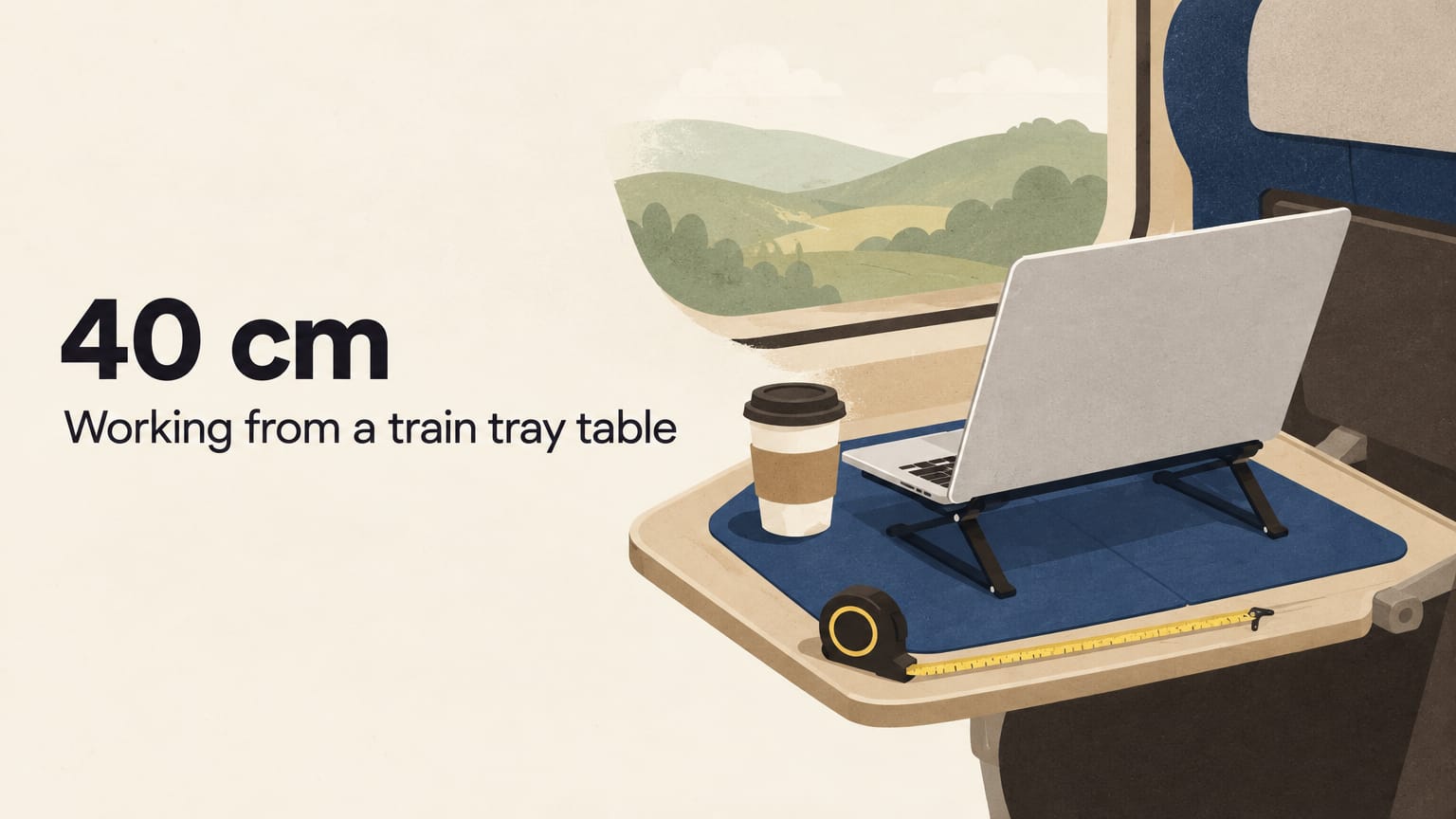
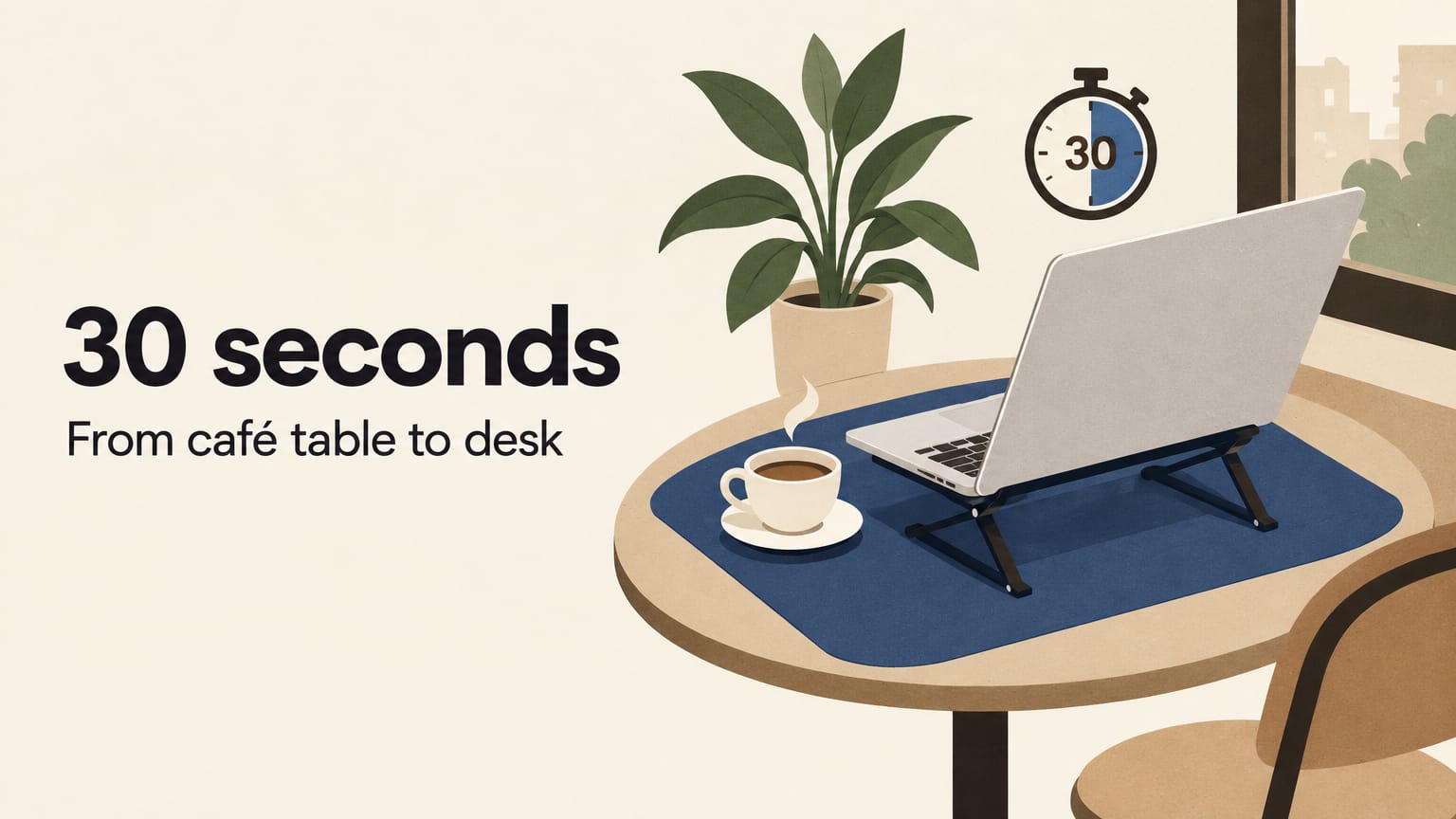
At home, a stack of books works. On the road you don't have the books, which is the reason the Fold-Flat Laptop Stand exists. It weighs 379 g, folds flat into your laptop sleeve and adjusts in height, so you can set it for a low café table or a tall coworking desk. The open design lets air under the laptop as well.
Set it so the top of the screen is close to your eye level. On a café table that is usually one or two notches higher than feels right at first.
Fix 2: separate the keyboard
Here is the honest part. Once the screen is up, the laptop's own keyboard is up too, and typing on it puts your wrists at an awkward angle. A stand on its own fixes your neck and moves the problem to your hands.
The fix is a separate keyboard and mouse at table height.

Any compact wireless keyboard does the job. Put it on the Solid Desk Mat in front of the stand, with the mouse beside it. The mat is 30 × 70 cm, wide enough for both, and it gives the mouse a surface that tracks on glass or varnished tables.
If your keyboard and mouse use a USB receiver, the Pocket USB-C Hub gives you two USB-A ports for it and still charges the laptop at up to 100 W. It needs two USB-C ports side by side on one side of the laptop, as on MacBook Air and MacBook Pro.
For a short session without a keyboard, drop the stand a notch or two. It is a compromise, but a better one than the laptop flat on the table.
Fix 3: move more often
Even a good setup is still sitting. A few habits help more than any gear:
- Stand up every 30 to 45 minutes. Refill the water, order the next coffee, walk to the window.
- Look into the distance. Every so often, look at something at the far end of the room or out the window for a few seconds.
- Roll your shoulders back when you notice them creeping up towards your ears.
The quick checklist
- Top of the screen close to eye level
- Screen about an arm's length away
- Keyboard and mouse at table height, elbows roughly at a right angle
- Feet flat on the floor
- Up and moving every 30 to 45 minutes
What it costs to carry
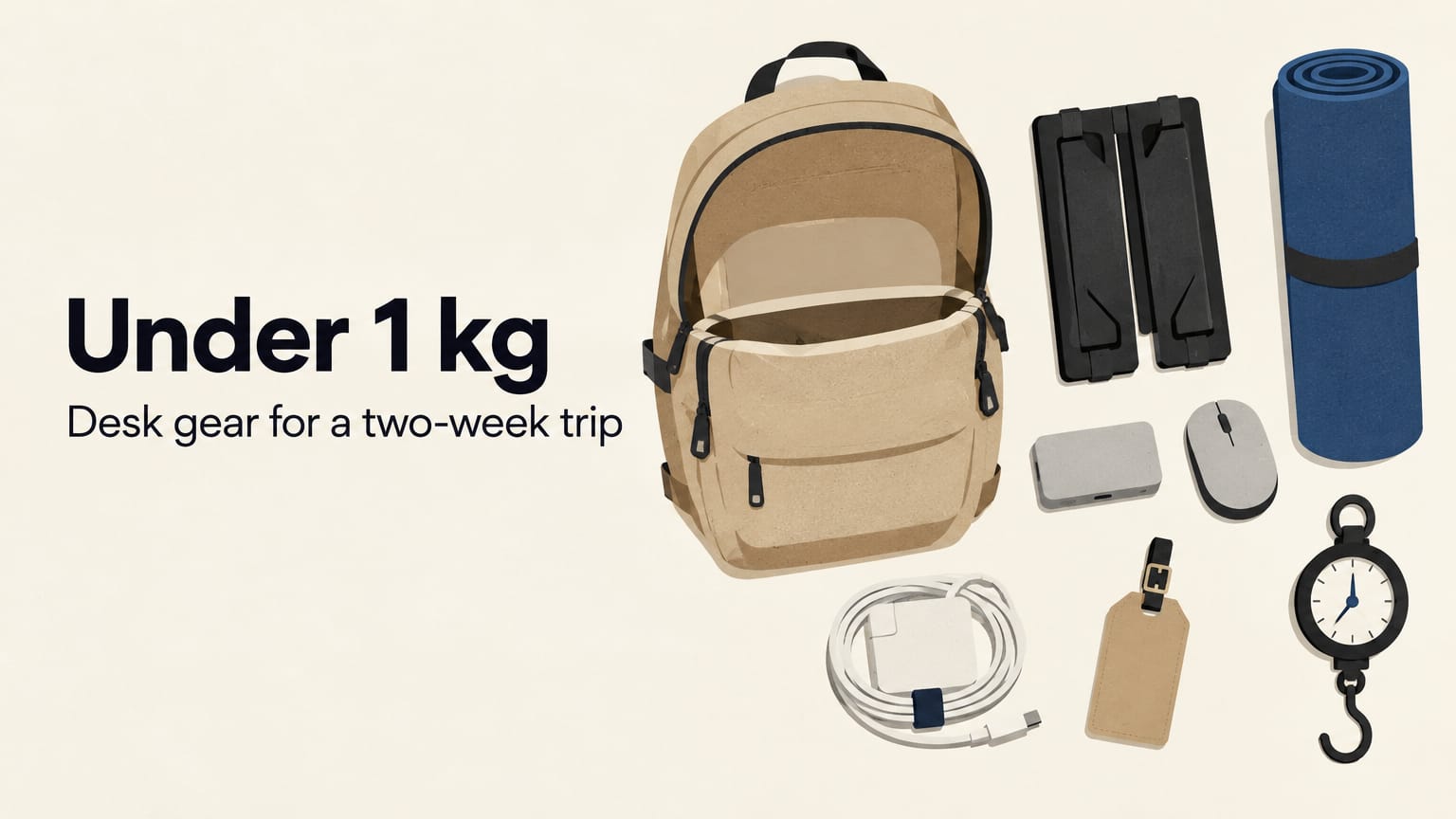
Stand, mat and hub together weigh about 750 g. Add a compact keyboard and you are still around 1 kg. That is the price of not looking down all day, and it fits in the same backpack you already carry.
- ergonomics
- guides
- setup
- remote work