setup
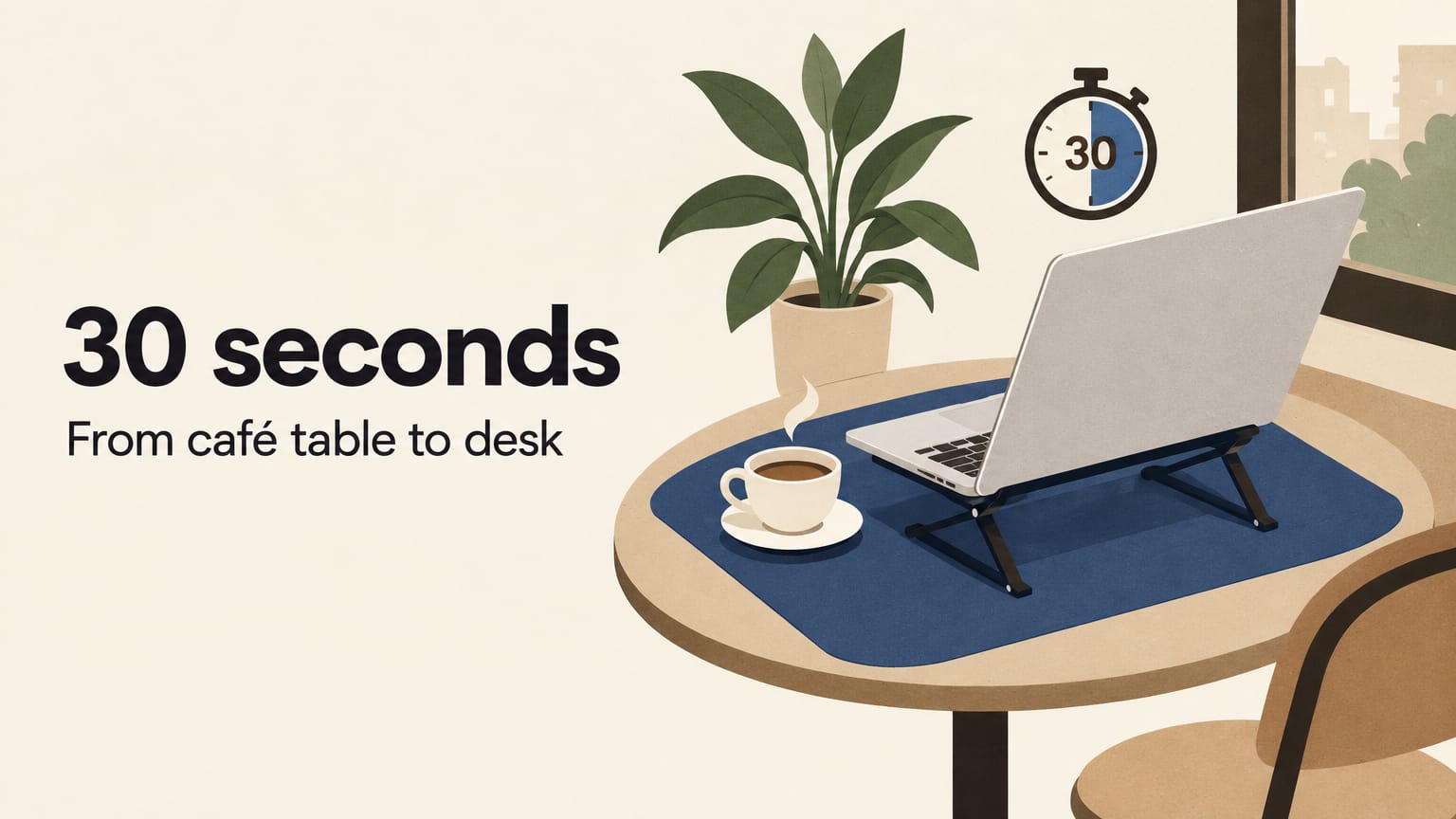
Setting up at a café table in 30 seconds
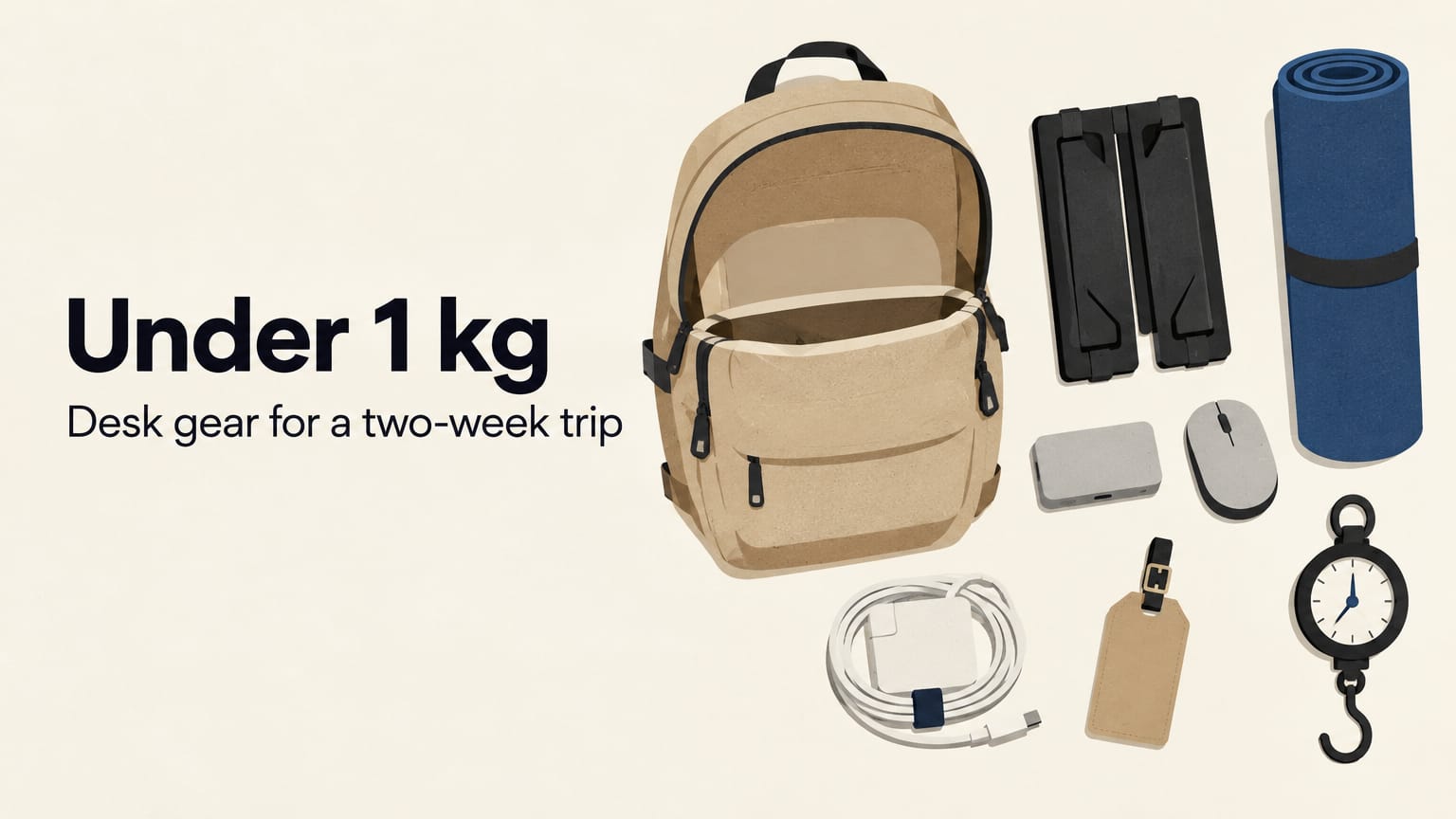
A café table is about 60 cm wide, a little wobbly and never quite the right height. Here is how to turn it into a real desk in 30 seconds, with three things that weigh about 750 g together.
By Deskless5 min read
On this page
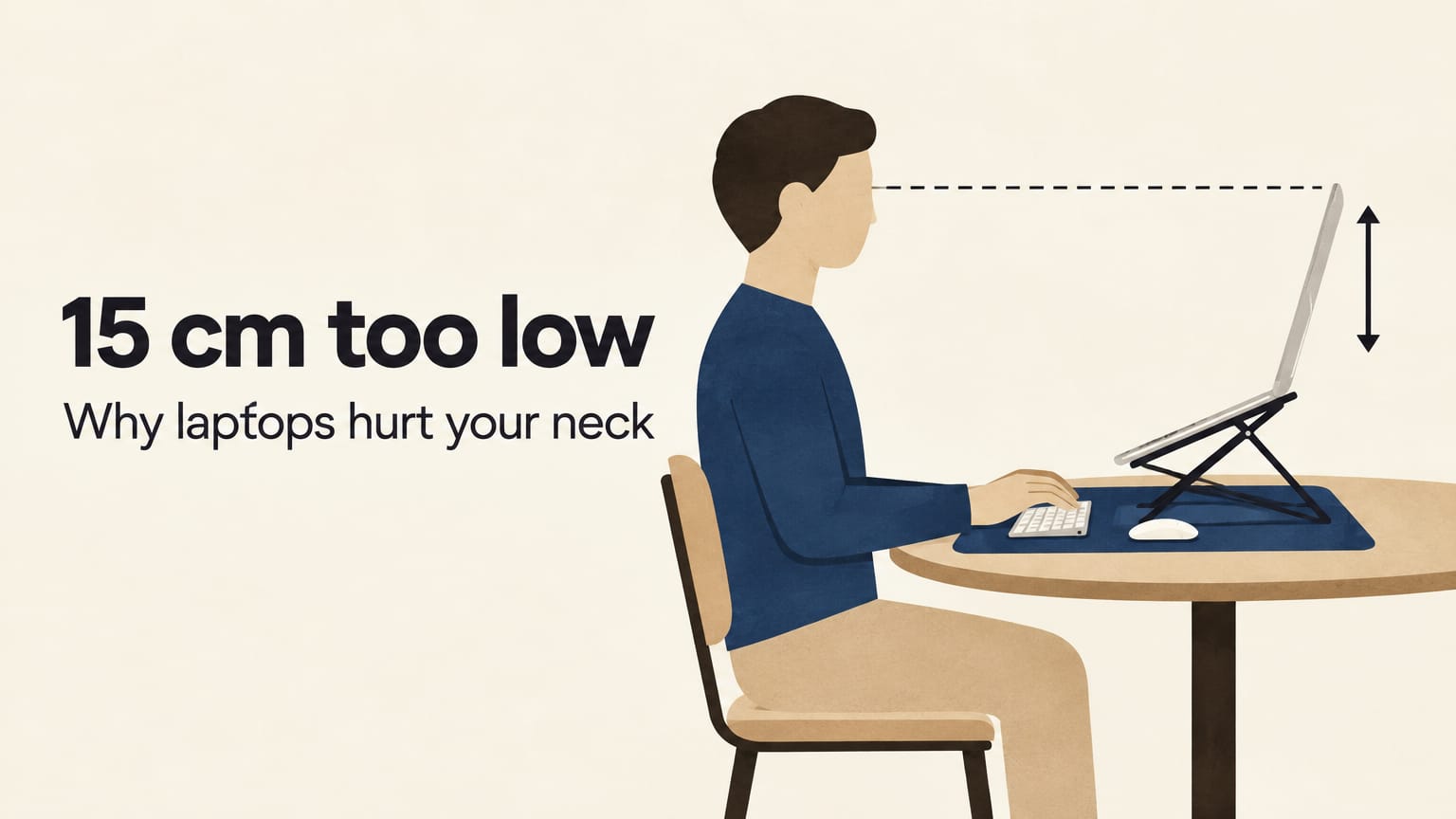
You sit down, order a coffee, open the laptop flat on the table, and two hours later your neck tells you about it. The table was the problem the whole time: too low, too small, slightly sticky and never quite level.
You can fix most of that in about 30 seconds. Here is the setup we use, step by step, with the three things that make it work: a desk mat, a fold-flat stand and a small USB-C hub. Together they weigh about 750 g, roughly the same as a full water bottle and a paperback.
Before you sit down: pick the table
This takes no time at all and saves the most trouble.
- Look for a table near a wall socket. Café wifi drains a battery faster than you expect. Corners and window benches usually have one.
- Check the wobble. Lean on the table edge. If it rocks, a folded napkin under one leg fixes it. If it rocks a lot, try another table.
- Avoid the doorway. Cold air every time the door opens, and people brushing past your laptop.
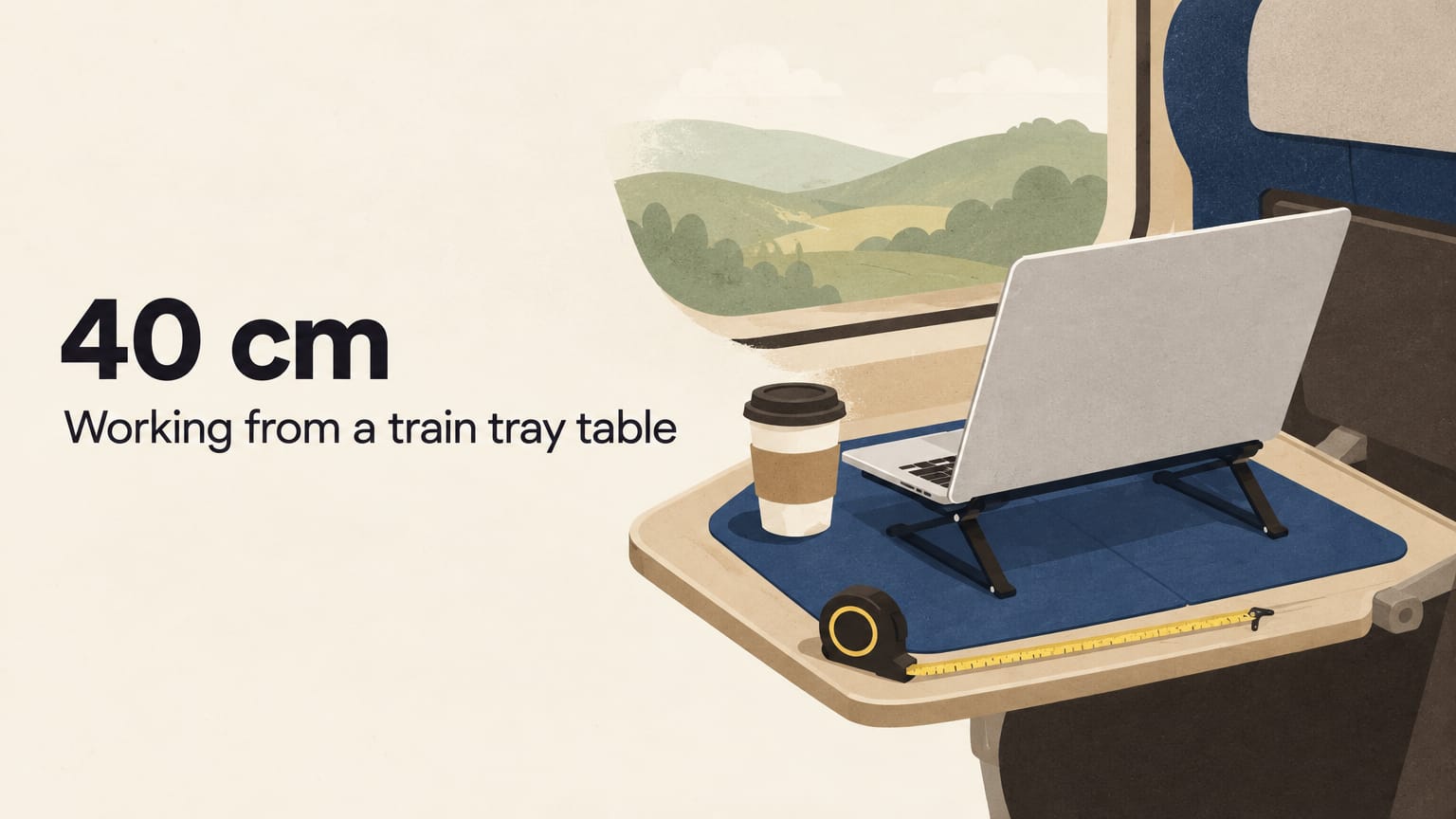
A standard small café table is about 60 × 60 cm. That is enough for everything below, with room left for a cup.
0 to 5 seconds: unroll the mat
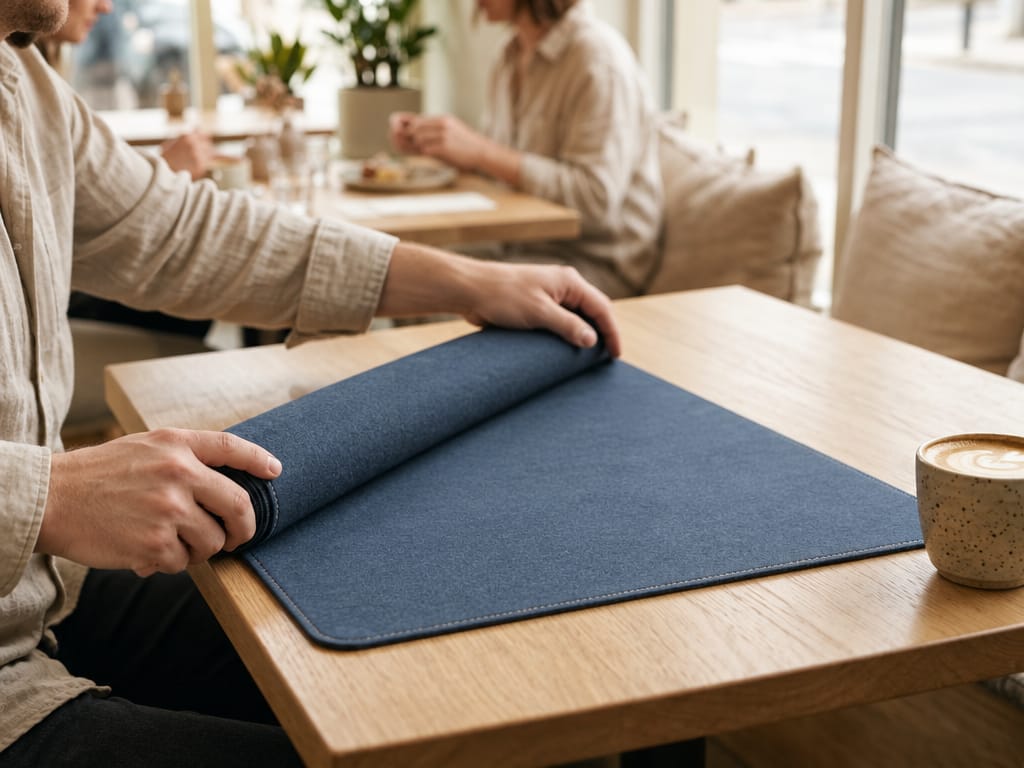
Take the Solid Desk Mat out of your bag and unroll it across the table. It is 30 × 70 cm and 2 mm thick, so it lies flat straight away and hangs over the edge of most small tables a little, which is fine.
The mat does three quiet jobs:
- It gives your mouse a surface that actually tracks, instead of a glass or varnished top.
- It keeps your laptop off whatever the last person spilled.
- It marks out your space. A coloured rectangle on a shared table says "this bit is taken" more politely than you can.
If you only carry one thing, carry this. It weighs about 300 g.
5 to 15 seconds: unfold the stand and lift the screen
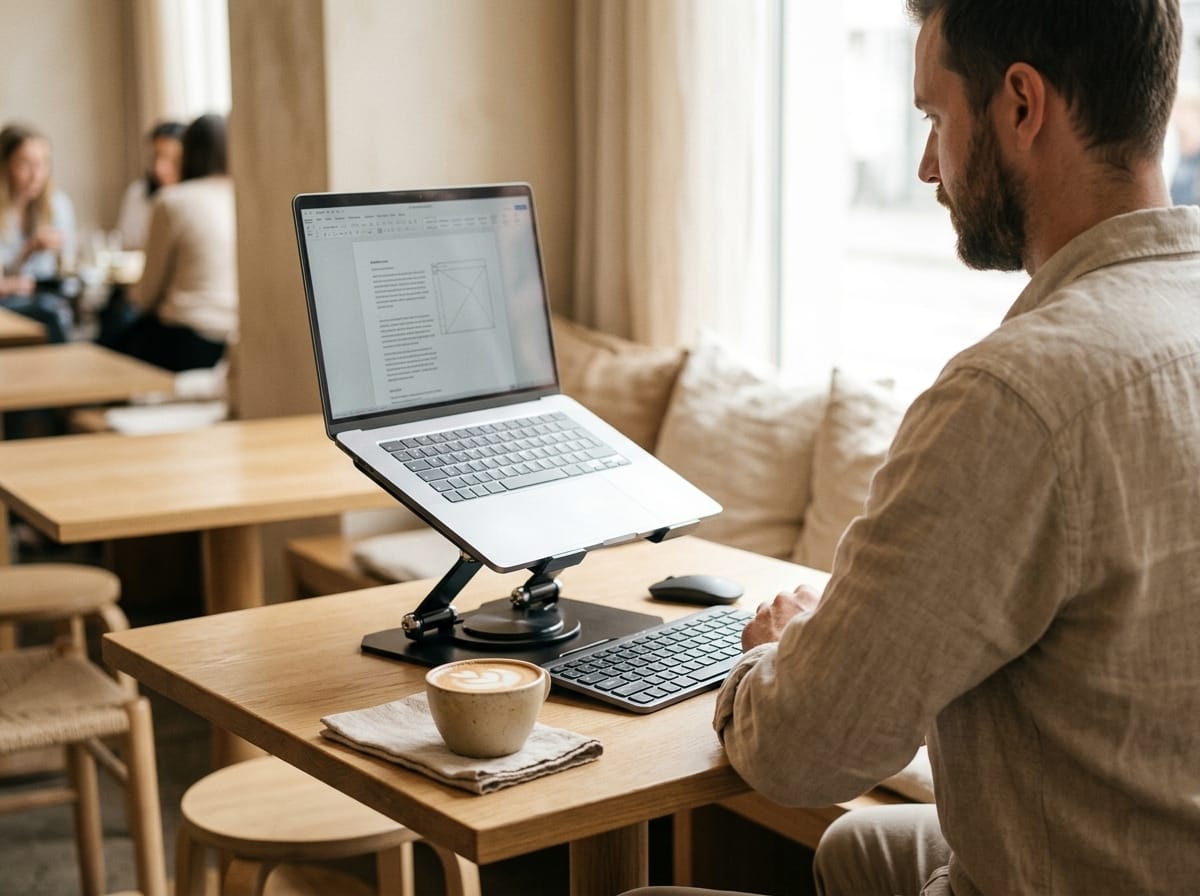
Next, the Fold-Flat Laptop Stand. It travels flat in your laptop sleeve and opens in one movement.
Set the height before you put the laptop on. At a café table, you are usually sitting lower relative to the table than at a desk, so go a notch or two higher than feels natural. The goal is simple: the top of the screen should be close to your eye level, so your head stays up instead of tipping forward.
Put the laptop on, back edge first. The open design leaves space for air under the machine, which helps on a warm afternoon when the fans start to work.
The stand weighs 379 g. It also holds a tablet, if that is what you work on.
One honest note: once your screen is raised, typing on the laptop keyboard puts your wrists at an awkward angle. For anything longer than checking email, use an external keyboard. For a quick hour, lowering the stand a notch is a fair compromise.
15 to 20 seconds: plug in the hub
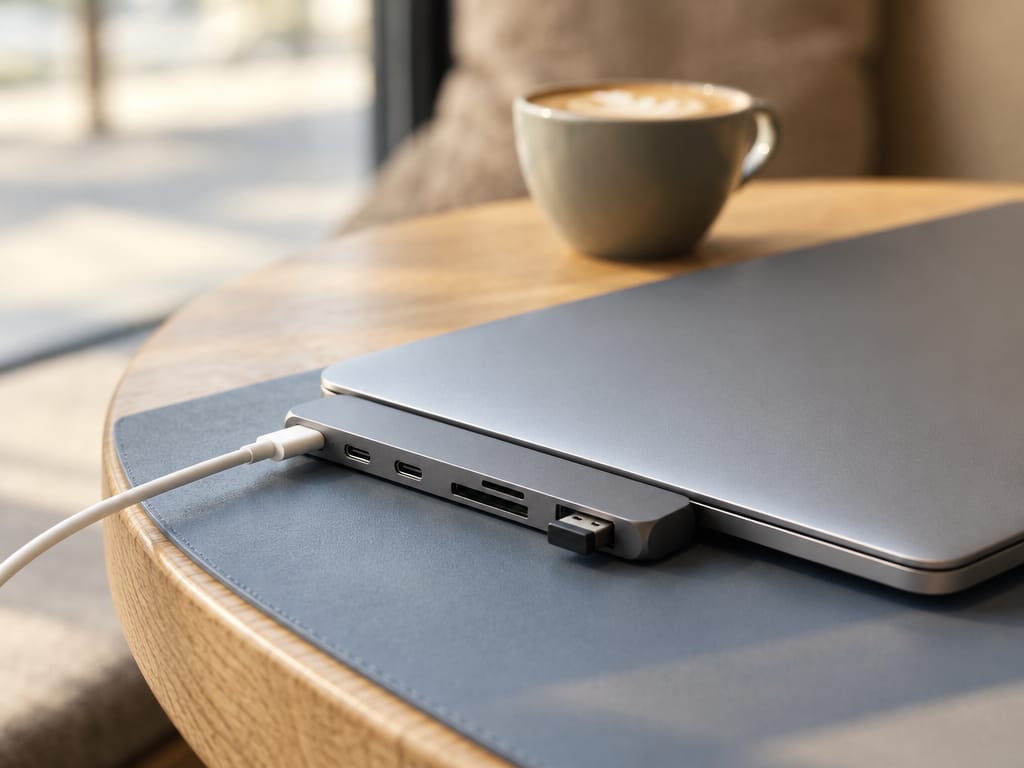
The Pocket USB-C Hub plugs straight into the side of the laptop. There is no cable, so there is nothing to tangle or pull out when someone walks past.
What goes where:
- Charger into the USB-C PD port. It passes up to 100 W through to the laptop, so you still charge while everything else is plugged in.
- Mouse or keyboard receiver into a USB-A port. There are two.
- Phone cable into the other USB-A or the USB-C data port, if you want to charge it or move photos.
- SD or microSD card straight in, if you shoot on a camera.
The hub weighs 70 g and is about the size of a pack of gum.
Check this before you buy one: the hub uses two USB-C ports side by side on the same side of the laptop, as on MacBook Air and MacBook Pro models. If your laptop has a single USB-C port, it will not fit.
20 to 30 seconds: the last details
- Mouse on the mat, to the side of your writing hand.
- Cup on the far side, away from the laptop and the cable. Coffee and a hub do not mix.
- Charger cable along the table edge and down to the socket, so nobody catches it with a bag.
That is it. Laptop at eye level, a proper surface for the mouse, power and ports where you need them.
Packing up takes about the same
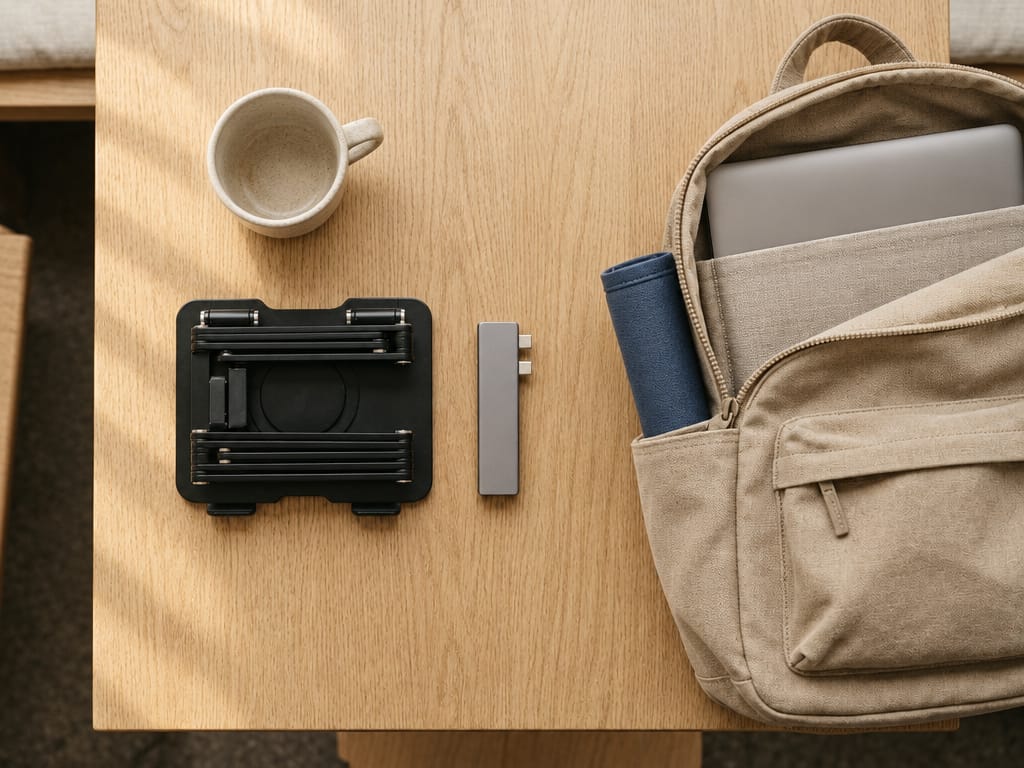
Unplug the hub and drop it in a pocket. Lift the laptop off, fold the stand flat and slide it into the sleeve next to the laptop. Roll the mat and put it in the side of your bag. Thirty seconds, and the table is clean for the next person.
What fits where
| Item | Weight | Where it goes in the bag |
|---|---|---|
| Desk mat, 30 × 70 cm | about 300 g | Rolled, in a side pocket |
| Fold-flat stand | 379 g | Flat, in the laptop sleeve |
| USB-C hub | 70 g | Front pocket |
| Total | about 750 g |
A few things we learned the hard way
- Buy something every couple of hours. Most cafés are happy to have you if you are a paying customer, not a tenant.
- Headphones on, calls outside. A video call at a café table is a call everyone at the next table is on too.
- The first 30 seconds set the tone for the next three hours. If you skip the stand because "it's only a quick thing", it is never only a quick thing.
The point is not to carry an office around. It is to carry the three small things that make any table feel like your desk, then get on with the work.
- setup
- guides
- cafe
- remote work